
Quick phrases
Start with quick phrases and organize frequently used items according to actual work needs.

Every product detail, design, and button is crafted with the user experience in mind

Don't see the app you need? Contact us to help you adapt it

Supports multiple users on one device with cloud data sync
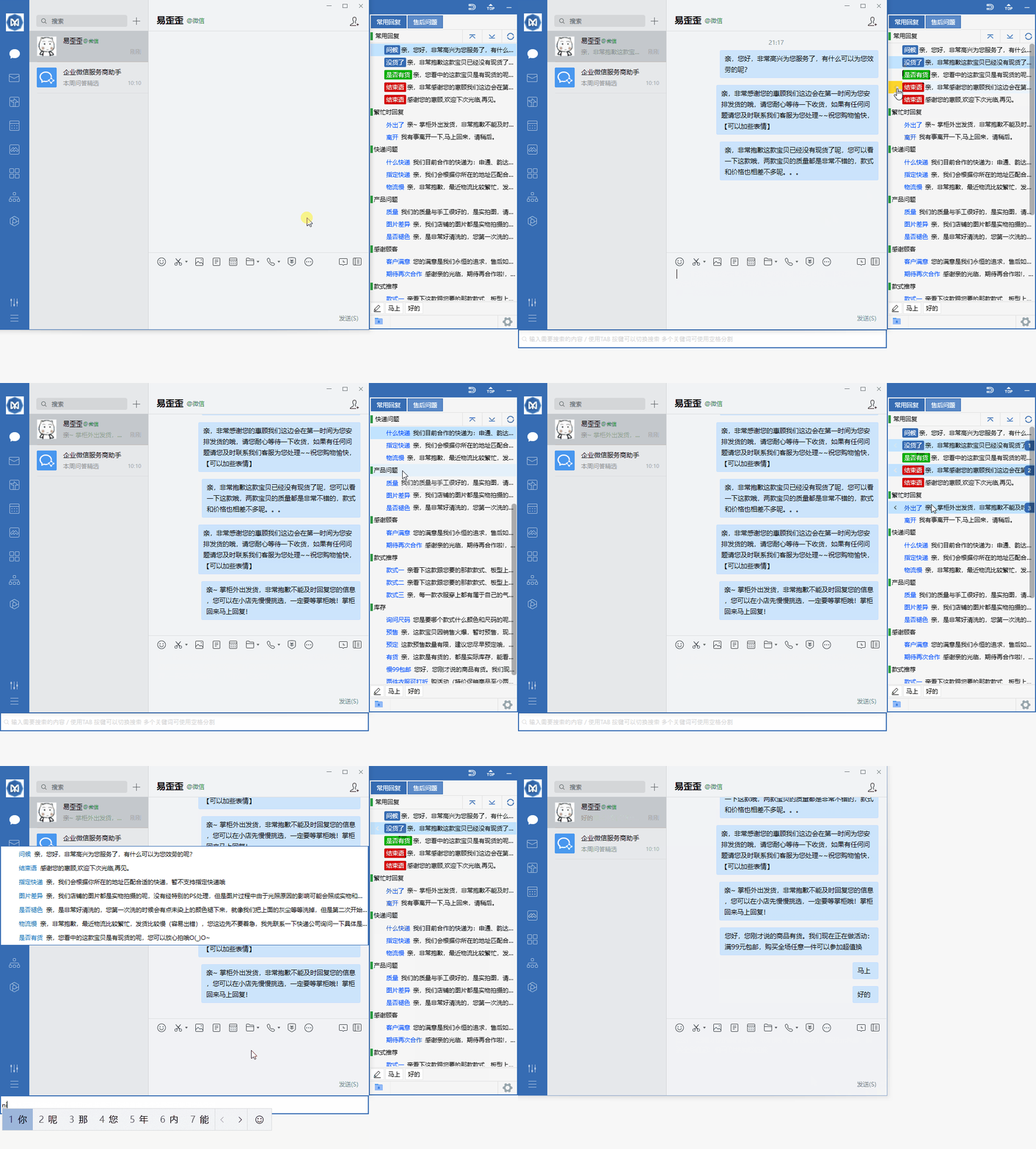
Organize daily customer service communication with reply categories, quick input, and team sync.
Start with quick phrases and organize frequently used items according to actual work needs.
Combine data grouping with team sync to keep daily operations clearly organized.
Use desktop communication in a familiar interface and adjust your settings as needed.
View options related to quick phrases, and confirm device and version information before getting started.
Select your device system in the download center and check the corresponding version name.
Open the installation file and follow the on-screen installation prompts on your device to complete setup.
Yiwaiwai provides a clear, lightweight connection method for users who need a stable network experience. No need to repeatedly switch parameters—just open it and get to work, ideal for daily office use, study, and multi-device home use.
Available on both desktop and mobile. Simply select the corresponding entry for your device to complete basic connection.
Reduces frequent reconnections and lag, maintaining relatively smooth response performance during long online sessions.
Simple steps from installation to first connection help users unfamiliar with settings get started quickly.
It is recommended to first confirm your current device type, then enter the corresponding platform entry. Follow the on-screen instructions to complete basic installation and connection. Usually no additional parameter changes are needed.
You can complete the connection separately on different devices. Just follow the same steps on each device, and keep the app version up to date for a more stable experience.